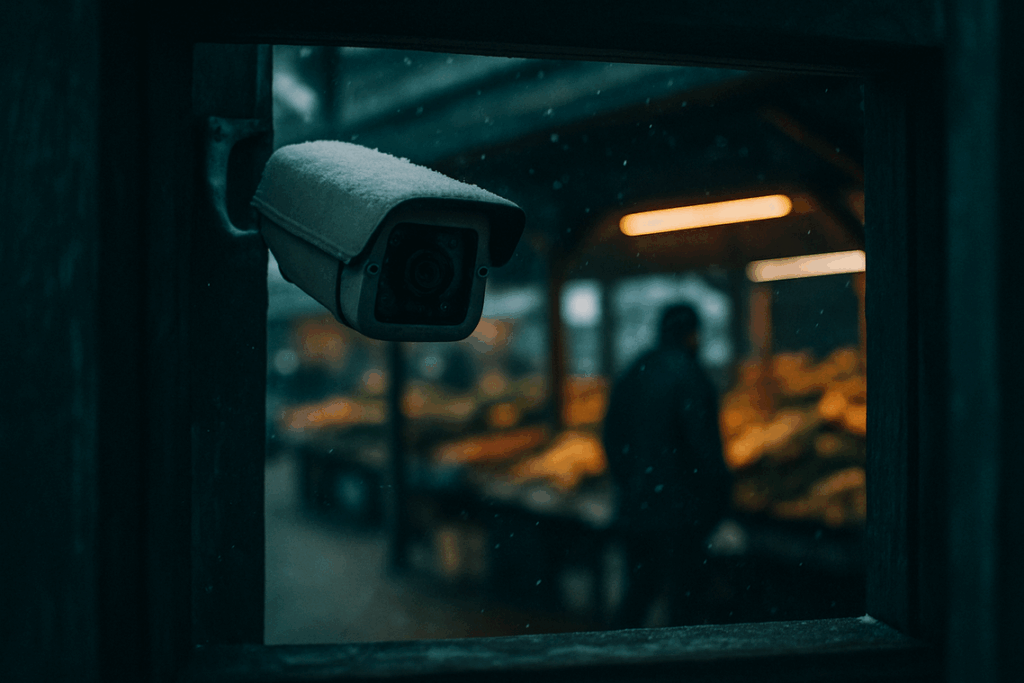

Smart devices make life easier—but they also raise important questions about who can access your data and how it’s being used. If you’re searching for clear guidance on smart home privacy basics, you likely want straightforward answers on how to protect your connected home without sacrificing convenience. This article is designed to do exactly that.
We break down how smart home devices collect and share information, where common vulnerabilities exist, and the practical steps you can take to secure your network, automation systems, and integrated devices. From understanding encryption and authentication protocols to managing app permissions and firmware updates, you’ll get actionable insights you can apply immediately.
Our guidance is grounded in up-to-date research on connected living technologies and current cybersecurity best practices, ensuring the information reflects how today’s smart ecosystems actually function. By the end, you’ll have a clear, confident understanding of how to safeguard your home while still enjoying the benefits of modern automation.
Smart homes promise frictionless living, yet that convenience masks a trade-off: privacy. Every voice assistant, Wi-Fi bulb, camera, and thermostat logs data—timestamps, commands, habits—turning your house into a network of sensors. In testing and integrating major ecosystems, we’ve seen how default settings favor data sharing over discretion. However, control is possible. Start with smart home privacy basics: segment devices on a guest network, enable two-factor authentication, review app permissions, and update firmware regularly. Look for end-to-end encryption and local processing, which keep recordings off the cloud. Ultimately, these features let you automate lighting and security without surrendering autonomy completely.
Understanding the True Risks of a Connected Home
A connected home promises convenience. But convenience often comes with quiet trade-offs (and not the charming kind).
Data Harvesting for Profit
Smart thermostats track your daily schedule. Voice assistants log commands. Security apps note when you leave and return. This data is analyzed for targeted advertising and product development. In 2019, reports revealed contractors reviewing anonymized voice recordings to improve AI systems (Bloomberg). Practical tip: Review your device’s privacy dashboard, disable ad personalization, and regularly delete stored voice history.
Unwanted Eavesdropping
Smart speakers rely on hotword activation—a system that listens locally for trigger phrases like “Hey Alexa.” Occasionally, devices misinterpret background noise as a command, leading to accidental recordings. Step-by-step: open settings → audio history → auto-delete every 3 months → disable microphone when not in use. (Yes, the mute button is your friend.)
The Weakest Link Vulnerability
One poorly secured smart plug with a default password can expose your entire Wi-Fi network. Hackers often exploit outdated firmware (CISA warns this is a common entry point). Change default credentials immediately and enable WPA3 encryption.
Third-Party Data Sharing
Linking devices to fitness apps or delivery services creates overlapping data trails. Review connected apps quarterly and remove unused permissions. Mastering smart home privacy basics starts with visibility—and a little healthy skepticism.
Fortifying Your Digital Foundation: Essential Network Security
Your router isn’t just a blinking box in the corner. It’s your castle wall. And if that wall is weak, every smart bulb, lock, and camera becomes an open window. Locking it down means fewer breaches, fewer headaches, and far more peace of mind (which is priceless at 2 a.m.).
First, enable WPA3 encryption. WPA3 is the latest Wi-Fi security standard, designed to make password guessing dramatically harder through stronger encryption protocols (Wi-Fi Alliance, 2018). Pair it with a long, complex, and unique password—think passphrase, not “Home123.” The benefit? Even if someone tries to snoop, they hit a digital dead end.
Some argue WPA2 is “good enough.” It was—once. But cyber threats evolve. Updating to WPA3 is like upgrading from a padlock to a biometric scanner.
Next, create a segregated IoT guest network. This separate Wi-Fi network is exclusively for smart devices. If a cheap smart plug gets compromised, your laptop and banking info stay isolated. Pro tip: Name it clearly so guests don’t accidentally connect to it.
Also, change your router’s default admin username and password. Hackers know factory logins (they’re often published online). Changing them prevents easy takeovers.
Finally, enable automatic firmware updates. Firmware is the router’s internal software. Updates patch newly discovered vulnerabilities (CISA, 2023). Turning on auto-updates means protection without constant monitoring.
These steps form the backbone of smart home privacy basics. If you’re still exploring fundamentals, start with this what is connected living beginners guide: https://teckaya.net/what-is-connected-living-beginners-guide/.
Secure the wall—and everything inside benefits.
Smart Choices: Vetting and Configuring Your Devices

Guideline 6: Research Brands Before Buying
First and foremost, choose manufacturers with a proven security track record. That means regular firmware updates (software patches that fix vulnerabilities), transparent privacy policies, and a history free from major data breaches. For example, companies that publish how long they support devices with security updates offer a clear benefit: your smart thermostat or camera won’t become a liability in two years. Some argue brand doesn’t matter if the features look good. However, flashy features mean little if the company abandons security support—like buying a high-tech lock and losing the key.
Guideline 7: Master the Device’s Privacy Settings
Once installed, immediately explore every setting in the companion app. Pay close attention to camera access, microphone controls, and data-sharing toggles. Many devices collect diagnostics and usage analytics by default. Turning off unnecessary sharing reduces your digital footprint while preserving core functionality. This is one of the core smart home privacy basics that too many people skip during setup.
Actionable Tip: Mute Mics and Cover Cameras
Whenever voice control isn’t essential—say, on a bedroom smart display—mute the microphone and use a physical camera shutter. Hardware blocks provide visible assurance (and peace of mind you can actually see).
Guideline 8: Limit App Permissions on Your Phone
Next, review app permissions. A lighting app likely doesn’t need access to your contacts or photos. Restricting permissions minimizes exposure if the app is ever compromised.
Guideline 9: Opt-Out of Everything
Finally, during setup, opt out of marketing, analytics, and “product improvement” data sharing. Pro tip: revisit these settings after updates, as preferences sometimes reset.
The Vigilant Homeowner: Ongoing Privacy Maintenance
I learned the hard way that privacy isn’t a one-and-done setup. After a new feature quietly reset my speaker permissions, I started scheduling quarterly audits (yes, a recurring calendar event). Review device settings, remove unused gadgets, and revisit smart home privacy basics before they revisit you.
Another mistake? Forgetting to delete voice histories. In Alexa or Google Assistant apps, head to Settings > Privacy > Voice History and clear recordings.
Finally, rename devices with generic labels:
- “Living Room Lamp” not “Sarah’s Bedside Light”
Small tweaks, big difference. Pro tip: set reminders quarterly.
Take Control of Your Connected Home
You now have a complete framework for protecting your privacy in a connected home. However, default device settings often prioritize data collection over user control, quietly sharing usage logs and voice recordings. By applying smart home privacy basics—like creating a separate guest Wi‑Fi network, disabling unused integrations, and reviewing app permissions—you actively rebalance that equation. In addition, auditing your oldest device ensures outdated firmware isn’t a weak link. The features are straightforward, yet the benefit is powerful: greater confidence, tighter security, and fewer digital surprises. So, start with one step today. Now.
Take Control of Your Smart Home Security Today
You started this guide because you wanted clarity around smart home privacy basics—and now you have it. From understanding device permissions to securing your network and choosing safer automation protocols, you’re no longer guessing how to protect your connected space.
The reality is simple: every unsecured device is a potential entry point. Without the right privacy foundations, your convenience can quickly turn into vulnerability. That’s the pain point most homeowners overlook—until it’s too late.
The good news? You now know how to stay ahead of it.
Your next step is to audit your devices, update your network security settings, and apply the integration and automation safeguards outlined above. Don’t wait for a breach to take action.
Join thousands of connected homeowners who rely on trusted smart living guidance to keep their homes secure and future-ready. Start strengthening your setup today and turn your smart home into a safe home.
 Thalira Rothwynd writes the kind of smart interior innovations content that people actually send to each other. Not because it's flashy or controversial, but because it's the sort of thing where you read it and immediately think of three people who need to see it. Thalira has a talent for identifying the questions that a lot of people have but haven't quite figured out how to articulate yet — and then answering them properly.
They covers a lot of ground: Smart Interior Innovations, Connected Living Basics, Home Trends Update, and plenty of adjacent territory that doesn't always get treated with the same seriousness. The consistency across all of it is a certain kind of respect for the reader. Thalira doesn't assume people are stupid, and they doesn't assume they know everything either. They writes for someone who is genuinely trying to figure something out — because that's usually who's actually reading. That assumption shapes everything from how they structures an explanation to how much background they includes before getting to the point.
Beyond the practical stuff, there's something in Thalira's writing that reflects a real investment in the subject — not performed enthusiasm, but the kind of sustained interest that produces insight over time. They has been paying attention to smart interior innovations long enough that they notices things a more casual observer would miss. That depth shows up in the work in ways that are hard to fake.
Thalira Rothwynd writes the kind of smart interior innovations content that people actually send to each other. Not because it's flashy or controversial, but because it's the sort of thing where you read it and immediately think of three people who need to see it. Thalira has a talent for identifying the questions that a lot of people have but haven't quite figured out how to articulate yet — and then answering them properly.
They covers a lot of ground: Smart Interior Innovations, Connected Living Basics, Home Trends Update, and plenty of adjacent territory that doesn't always get treated with the same seriousness. The consistency across all of it is a certain kind of respect for the reader. Thalira doesn't assume people are stupid, and they doesn't assume they know everything either. They writes for someone who is genuinely trying to figure something out — because that's usually who's actually reading. That assumption shapes everything from how they structures an explanation to how much background they includes before getting to the point.
Beyond the practical stuff, there's something in Thalira's writing that reflects a real investment in the subject — not performed enthusiasm, but the kind of sustained interest that produces insight over time. They has been paying attention to smart interior innovations long enough that they notices things a more casual observer would miss. That depth shows up in the work in ways that are hard to fake.