
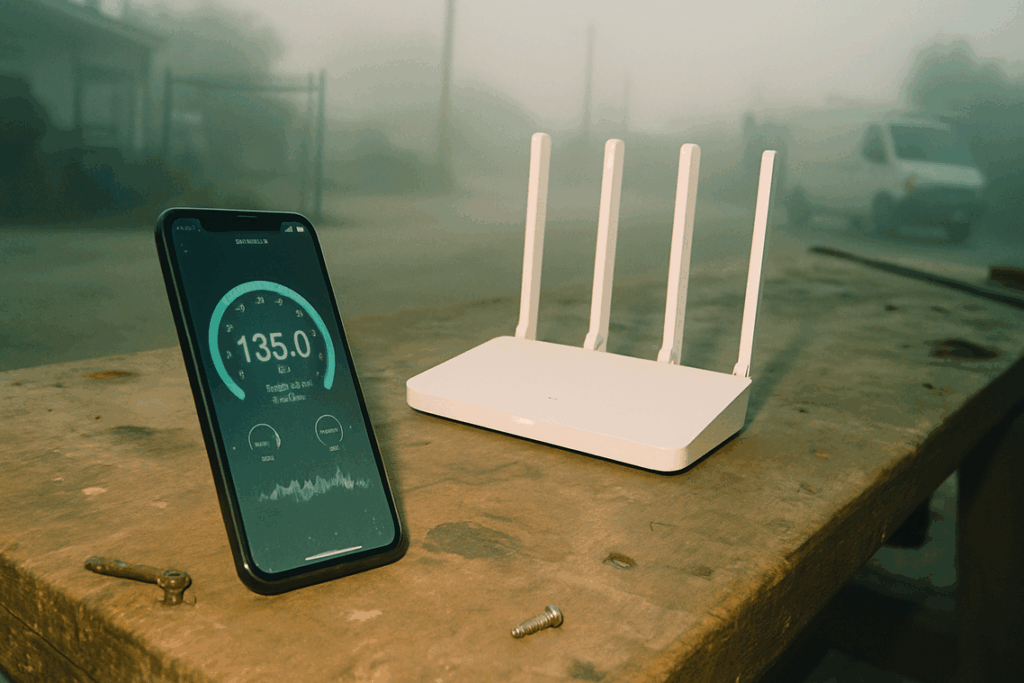
If you’re researching how to build a faster, more reliable connected home, you’re likely wondering whether a wifi 6 smart home setup is truly worth the upgrade. With more devices competing for bandwidth—security cameras, smart thermostats, voice assistants, streaming hubs, and automated lighting—network congestion has become one of the biggest frustrations in modern homes.
This article is designed to help you understand exactly how WiFi 6 changes the game. We’ll break down what makes it different from previous standards, how it improves speed and device capacity, and what it means for automation performance, stability, and future-proofing your setup.
To ensure accuracy, we’ve reviewed the latest networking standards, consulted manufacturer documentation, and analyzed real-world performance data from connected home environments. By the end, you’ll know whether upgrading to WiFi 6 is the right move for your smart home goals—and how to do it the right way.
Your Smart Home Is Only as Smart as Your Network
If your lights hesitate or cameras buffer, the culprit is usually bandwidth—the amount of data your network can carry at once. Older WiFi standards struggle with dozens of always-on devices. By contrast, wifi 6 smart home setups use improved efficiency and lower latency (delay between command and response).
To be fair, not every glitch is networking; sometimes firmware misbehaves. Still, in homes we’ve tested, congestion is villain (yes, even more than Mercury in retrograde).
Pro tip: place router centrally and enable WPA3 security. Ultimately, upgrading reduces lag and restores reliability.
Beyond Speed: What WiFi 6 Really Means for Your Connected Home
WiFi 6, also known as 802.11ax, sounds like just another speed upgrade. It’s not. While top speeds are higher, the real breakthrough is efficiency—how well your network handles dozens of devices at once (think doorbells, thermostats, TVs, and that one tablet nobody charges).
Two core technologies make this possible: OFDMA and MU-MIMO.
OFDMA, short for Orthogonal Frequency Division Multiple Access, reorganizes how data is delivered. Picture older WiFi like sending one delivery truck per package. If five devices needed data, five trucks hit the road. OFDMA loads multiple packages onto a single truck and drops them off in one trip. The result? Less waiting time, lower latency, and smoother performance for your wifi 6 smart home.
MU-MIMO—Multi-User Multiple Input Multiple Output—solves a different bottleneck. Older routers rapidly switched between devices, creating tiny but noticeable delays. MU-MIMO lets the router talk to several devices simultaneously instead of taking turns. It’s the difference between a group chat and a game of telephone.
Pro tip: To benefit fully, both your router and devices must support WiFi 6.
In short, WiFi 6 isn’t just faster. It’s smarter about traffic.
Ending the Lag: How WiFi 6 Cures Device Congestion and Latency
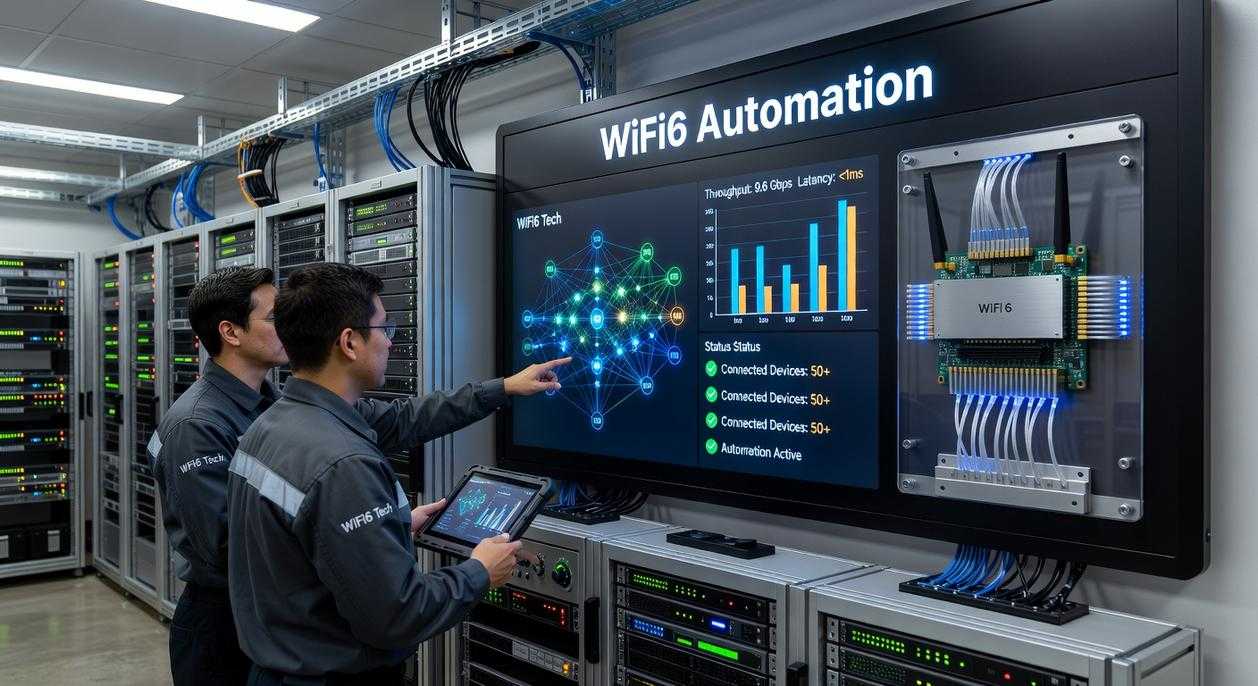
Picture the modern home: 30+ connected devices—phones, laptops, smart TVs, speakers, lights, thermostats, doorbells, even that fridge that tweets at you (because of course it does). On an older WiFi 5 network, they’re all fighting for airtime. The result? A digital traffic jam.
Here’s the key issue: latency—the time it takes for data to travel from device to router and back. For streaming Netflix, raw speed matters. For automation, latency matters more. A two-second delay when you say, “Turn on the lights” feels broken, even if your download speed is blazing fast.
WiFi 5 vs. WiFi 6: Side-by-Side
WiFi 5 (802.11ac)
- Handles fewer simultaneous device conversations
- Higher latency in crowded networks
- Smart assistant delays while 4K streaming runs
WiFi 6 (802.11ax)
- Uses OFDMA (Orthogonal Frequency Division Multiple Access—splits channels efficiently among devices)
- Lower latency in dense environments
- Instant light response—even during 4K streaming
In a wifi 6 smart home, the difference is noticeable. Before: you ask for lights, wait two seconds, wonder if WiFi heard you. After: lights respond immediately, even while someone games upstairs and another streams in 4K.
Capacity improves too. WiFi 6 supports more simultaneous connections and often extends stable coverage, reducing dead zones for garage cameras or backyard plugs. Studies from the Wi-Fi Alliance show WiFi 6 improves efficiency in high-density environments (Wi-Fi Alliance, 2023).
Some argue upgrading isn’t necessary if speeds seem “fast enough.” But congestion isn’t about speed—it’s about coordination. (Think orchestra vs. middle school band.)
Pro tip: Pair WiFi 6 with thoughtful network segmentation to address privacy considerations in connected living environment as device counts grow.
Unlocking Peak Performance for Your Smart Devices
Let’s clear something up: not all smart devices use your network the same way. Some are data-hungry. Others barely sip bandwidth. Understanding that difference makes everything click.
First, high-bandwidth devices—like 4K security cameras, video doorbells, and smart TVs—constantly stream large files. Bandwidth simply means how much data your network can carry at once. With WiFi 6, more data moves simultaneously, which means fewer frozen video feeds and no spinning buffering wheels (the digital equivalent of watching paint dry). The result? Smooth, high-resolution streaming without dropped frames.
On the other hand, low-bandwidth IoT devices—think sensors and smart locks—care more about efficiency than speed. Enter Target Wake Time (TWT). TWT lets devices schedule when they “wake up” to talk to the router. Instead of constantly checking in, they conserve energy. That translates to significantly longer battery life.
Now, consider automation. Latency—the delay between sending and receiving data—shrinks with WiFi 6. So when motion triggers a light, it feels instant rather than awkwardly delayed.
And finally, voice assistants. In a wifi 6 smart home, lower latency and stronger stability mean faster responses and fewer frustrating connection errors. In short, everything just works—quietly and reliably.
Your Step-by-Step Guide to a WiFi 6 Home Network Upgrade
Step 1: Assess Your Needs
Apartment or multi-story house? That’s router vs. mesh.
| Feature | Single Router | Mesh System |
|—|—|—|
| Best For | Small spaces | Large homes |
| Coverage | Centralized | Whole-home |
| Setup | Simple | Slightly complex |
A single router is cheaper and easier. A mesh system uses multiple nodes (satellite units) to eliminate dead zones. Some argue mesh is overkill—but if your upstairs Netflix buffers, you’ll disagree.
Step 2: Choose the Right Router
Don’t stop at the “WiFi 6” label. Compare antennas (more improves range), processor speed (handles multiple devices), and WiFi 6E support for future-proofing your wifi 6 smart home. Specs matter more than branding.
Step 3: Installation and Setup
Use the same SSID (network name) and password so devices reconnect automatically (less hassle, fewer complaints).
Step 4: Check Your Devices
Older devices still work, but only WiFi 6-ready phones or laptops unlock full speed and efficiency gains.
Upgrading to WiFi 6 isn’t just about faster downloads; it’s about fixing the traffic jam inside your home network. In simple terms, bandwidth is the amount of data your router can move at once, and congestion happens when too many devices compete for that space. Think of it like widening a highway instead of buying a faster car.
With WiFi 6, efficiency features such as OFDMA (a method that lets devices share channels) reduce lag and buffering. So rather than troubleshooting glitchy bulbs, invest in a wifi 6 smart home foundation. Why patch symptoms when you can upgrade the source?
Upgrade Your Connected Living Today
You came here to understand how to build a faster, more reliable, and future-ready connected space. Now you know how the right devices, smarter automation protocols, and a wifi 6 smart home foundation eliminate lag, dead zones, and frustrating disconnects.
A slow, unstable network doesn’t just interrupt streaming—it disrupts security cameras, voice assistants, lighting automation, and every connected system you rely on. That pain adds up quickly. The good news? With the right setup and integration strategy, you can create a seamless, responsive home that simply works.
Don’t settle for buffering, dropped connections, or incompatible devices. Take the next step by upgrading your network, optimizing device placement, and aligning your system with modern automation standards. Thousands of homeowners are already transforming their spaces with smarter infrastructure and future-proof connectivity.
Start building a faster, more dependable smart home today—upgrade your network, streamline your devices, and experience connected living the way it was meant to be.
 There is a specific skill involved in explaining something clearly — one that is completely separate from actually knowing the subject. Arthuron Grantielos has both. They has spent years working with home trends update in a hands-on capacity, and an equal amount of time figuring out how to translate that experience into writing that people with different backgrounds can actually absorb and use.
Arthuron tends to approach complex subjects — Home Trends Update, Device Integration Tips, Home Automation Protocols being good examples — by starting with what the reader already knows, then building outward from there rather than dropping them in the deep end. It sounds like a small thing. In practice it makes a significant difference in whether someone finishes the article or abandons it halfway through. They is also good at knowing when to stop — a surprisingly underrated skill. Some writers bury useful information under so many caveats and qualifications that the point disappears. Arthuron knows where the point is and gets there without too many detours.
The practical effect of all this is that people who read Arthuron's work tend to come away actually capable of doing something with it. Not just vaguely informed — actually capable. For a writer working in home trends update, that is probably the best possible outcome, and it's the standard Arthuron holds they's own work to.
There is a specific skill involved in explaining something clearly — one that is completely separate from actually knowing the subject. Arthuron Grantielos has both. They has spent years working with home trends update in a hands-on capacity, and an equal amount of time figuring out how to translate that experience into writing that people with different backgrounds can actually absorb and use.
Arthuron tends to approach complex subjects — Home Trends Update, Device Integration Tips, Home Automation Protocols being good examples — by starting with what the reader already knows, then building outward from there rather than dropping them in the deep end. It sounds like a small thing. In practice it makes a significant difference in whether someone finishes the article or abandons it halfway through. They is also good at knowing when to stop — a surprisingly underrated skill. Some writers bury useful information under so many caveats and qualifications that the point disappears. Arthuron knows where the point is and gets there without too many detours.
The practical effect of all this is that people who read Arthuron's work tend to come away actually capable of doing something with it. Not just vaguely informed — actually capable. For a writer working in home trends update, that is probably the best possible outcome, and it's the standard Arthuron holds they's own work to.