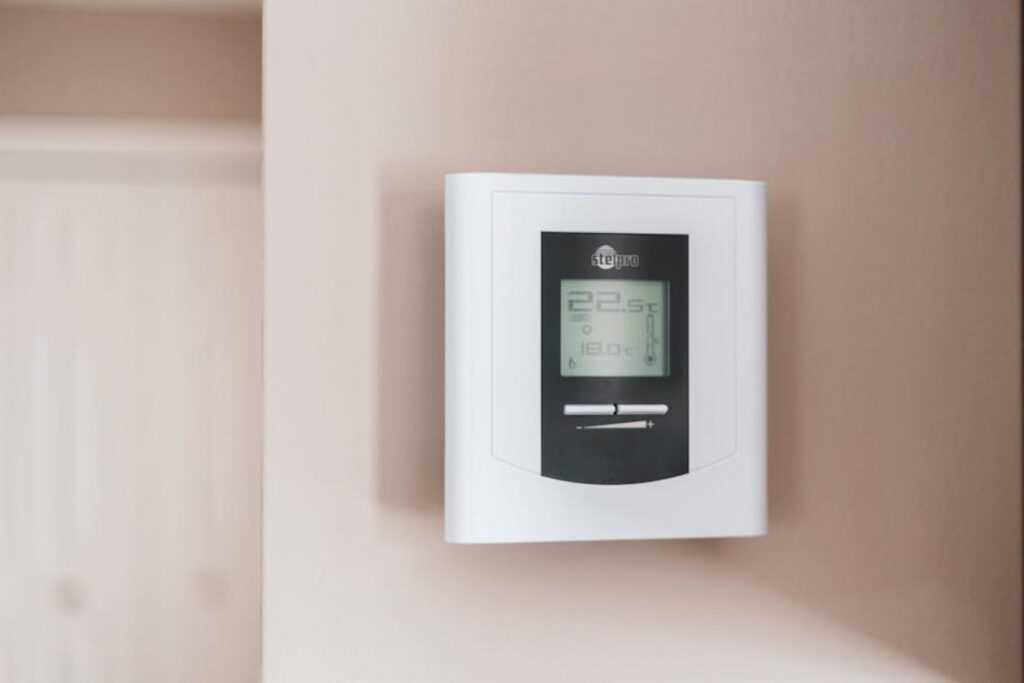

Your smart home should just work. Lights should respond, speakers should sync, and routines should run without constant tinkering. Yet for many homeowners, the promise of seamless automation turns into frustration when devices refuse to communicate or randomly drop offline.
This guide is designed to solve that. We provide a clear, practical framework for smart device integration troubleshooting, helping you move from a disconnected collection of gadgets to a truly connected home.
You’ll learn the root causes behind common conflicts and follow actionable, step-by-step fixes—so you can solve issues permanently, not just patch them temporarily.
Understanding the Chaos: Why Your Devices Don’t Talk to Each Other
Have you ever wondered why your smart bulb listens to Alexa but ignores Siri? Or why your new thermostat insists on a different app than everything else in your house? Welcome to the world of walled gardens.
The Walled Gardens
Smart home ecosystems—like Amazon Alexa, Google Home, and Apple HomeKit—are essentially closed environments designed to keep you loyal. A smart home ecosystem is a branded platform that connects devices, apps, and voice assistants under one umbrella. Convenient? Absolutely. But they’re also built to prioritize their own compatible products. (Think of it like streaming services—great selection, until your favorite show lives somewhere else.)
Some argue ecosystems create stability and better security—and that’s partly true. Controlled environments can reduce compatibility risks. However, that control often limits flexibility, especially if you mix brands.
The Language Barrier (Protocols)
Now let’s talk about protocols—the “languages” devices use to communicate.
- Wi-Fi: Everywhere and easy to set up. However, it can clog your network and drains battery-powered devices quickly. Ever notice lag when too many gadgets are online?
- Zigbee & Z-Wave: Low-power mesh networks (meaning devices relay signals to each other). They require a hub but excel with sensors and lights.
- Thread: A newer mesh protocol that supports Matter, designed to unify ecosystems. Promising—but still rolling out.
- Bluetooth: Great for short-range, device-to-phone pairing. Not ideal for whole-home automation.
So when devices “don’t talk,” it’s often because they speak different protocols. Sound familiar? That’s where smart device integration troubleshooting becomes essential.
Pro tip: Before buying, check which protocol your hub supports. It saves headaches later.
The Matter Protocol: Your New Best Friend for Smart Home Harmony
What is Matter? Think of Matter as a universal translator for smart devices. Built by major tech players like Apple, Google, and Amazon through the Connectivity Standards Alliance, Matter is a shared language that lets gadgets communicate seamlessly (finally, your smart bulb and smart speaker can be friends).
How It Solves the Problem
For years, smart homes lived in “walled gardens”—ecosystems that only played nicely with their own products. Matter breaks those walls down. A single Matter-certified device can work simultaneously with Google Home, Apple HomeKit, and Amazon Alexa. That means fewer apps, fewer headaches, and far less smart device integration troubleshooting.
Recommendation: If you’re buying new gear, choose Matter-certified products first. It’s the safest way to future-proof your setup.
How to Spot Matter Devices
Look for the Matter logo on product packaging or online listings. If it’s there, you’re good to go. When setting up lighting, you can also integrate smart lights with voice assistants to streamline control.
The Catch
Not all older devices support Matter. Some may receive firmware updates, but others need a Matter bridge—a hub that translates signals from Zigbee or Z-Wave devices into Matter-compatible commands. Pro tip: Check manufacturer update policies before replacing perfectly good hardware.
A Step-by-Step Guide to Fixing Common Connection Errors
Let’s start with the classic for a reason: turn it off and on again. A power cycle (fully shutting down and restarting a device) clears temporary glitches in memory. So unplug your smart device, restart your phone, and reboot your router. Wait 30–60 seconds before powering everything back up. It’s cliché—yes, very “IT Crowd”—but it works surprisingly often.
Next, check your network health. Many smart home devices only operate on the 2.4GHz Wi-Fi band (a wireless frequency that travels farther but at slower speeds) rather than 5GHz (faster, shorter range). Make sure your phone and device are on the same network. If setup keeps failing, temporarily disable the 5GHz band in your router settings so your phone connects to 2.4GHz during installation. Afterwards, you can re-enable it.
Equally important, confirm firmware and app updates. Firmware is the device’s internal software, and manufacturers release updates to patch bugs and improve stability (Source: Consumer Reports, 2023). Check the device’s native app and your phone’s app store for updates before retrying setup.
Now consider placement. If you’re using Zigbee or Z-Wave (low-energy mesh networking protocols), put your hub centrally—not inside cabinets or near large metal appliances. Metal disrupts signals (think of it as Wi-Fi’s kryptonite).
Here’s your quick checklist:
- Power cycle everything
- Confirm 2.4GHz connection
- Update firmware and apps
- Reposition hubs centrally
Pro tip: When stuck, reset the device and redo smart device integration troubleshooting from scratch. It’s faster than chasing ghost errors (and far less frustrating).
Beyond the Basics: Advanced Tools for Total Integration
When your smart home starts acting like a reality show—full of drama and zero communication—it might be time for reinforcements. First up, third-party hubs like Hubitat or Homey. These devices act as multilingual diplomats, translating between Zigbee, Z-Wave, Wi-Fi, and more (basically the United Nations of gadgets).
Meanwhile, Home Assistant offers a powerful, open-source platform for those who enjoy tinkering. It’s flexible, customizable, and occasionally humbling.
Then there’s IFTTT—“If This, Then That”—a cloud-based automation tool connecting otherwise incompatible devices. When smart device integration troubleshooting gets tricky, these tools keep your tech talking nicely again.
From Frustration to Automation: Building Your Connected Home
A fully integrated smart home is no longer out of reach. Now that you understand how competing ecosystems and protocols create conflicts, you can move past the confusion and take control. Prioritize Matter-supported devices, keep your network stable, and update software consistently to prevent common breakdowns. Most importantly, you’re equipped to approach smart device integration troubleshooting methodically instead of relying on guesswork.
If you’re tired of devices dropping offline or refusing to sync, don’t wait for the problem to fix itself. Start with one frustrating device today and apply your checklist step by step. Seamless automation happens through small wins—take the first one now.
 Jennifer Burnsivino is the kind of writer who genuinely cannot publish something without checking it twice. Maybe three times. They came to insightful reads through years of hands-on work rather than theory, which means the things they writes about — Insightful Reads, Home Automation Protocols, Smart Interior Innovations, among other areas — are things they has actually tested, questioned, and revised opinions on more than once.
That shows in the work. Jennifer's pieces tend to go a level deeper than most. Not in a way that becomes unreadable, but in a way that makes you realize you'd been missing something important. They has a habit of finding the detail that everybody else glosses over and making it the center of the story — which sounds simple, but takes a rare combination of curiosity and patience to pull off consistently. The writing never feels rushed. It feels like someone who sat with the subject long enough to actually understand it.
Outside of specific topics, what Jennifer cares about most is whether the reader walks away with something useful. Not impressed. Not entertained. Useful. That's a harder bar to clear than it sounds, and they clears it more often than not — which is why readers tend to remember Jennifer's articles long after they've forgotten the headline.
Jennifer Burnsivino is the kind of writer who genuinely cannot publish something without checking it twice. Maybe three times. They came to insightful reads through years of hands-on work rather than theory, which means the things they writes about — Insightful Reads, Home Automation Protocols, Smart Interior Innovations, among other areas — are things they has actually tested, questioned, and revised opinions on more than once.
That shows in the work. Jennifer's pieces tend to go a level deeper than most. Not in a way that becomes unreadable, but in a way that makes you realize you'd been missing something important. They has a habit of finding the detail that everybody else glosses over and making it the center of the story — which sounds simple, but takes a rare combination of curiosity and patience to pull off consistently. The writing never feels rushed. It feels like someone who sat with the subject long enough to actually understand it.
Outside of specific topics, what Jennifer cares about most is whether the reader walks away with something useful. Not impressed. Not entertained. Useful. That's a harder bar to clear than it sounds, and they clears it more often than not — which is why readers tend to remember Jennifer's articles long after they've forgotten the headline.