

Ever come home juggling groceries and wish you could just tell the lights to turn on? Or maybe you’re cozy on the couch and want to change the thermostat without getting up? You’ve got smart devices and a voice assistant, but somehow they’re not playing nice together.
Kind of makes your “smart” home feel pretty dumb, doesn’t it? I get it. Been there, done that, tested it all.
This guide promises to bridge that gap with a straightforward process for Alexa device integration. Forget the jargon. I’ve spent years setting up connected home systems that actually work for real families.
By the end of this, you’ll know exactly how to connect your devices and start controlling your home with simple voice commands. Excited? You should be.
Why Bother? The Real-World Magic of a Connected Home
Ever wonder why you’d want a connected home? It’s not just about saying “turn on the lights.” Imagine waking up and saying “Hey Google, good morning,” and suddenly, the lights gently brighten, the coffee maker starts brewing, and you hear today’s weather forecast. That’s not just cool; it’s time-saving.
Now, let’s talk about movie night. One phrase and your smart lights dim, the TV and soundbar come alive, and the smart blinds lower. It’s like having your own personal theater at home.
Who wouldn’t want that?
Security? Here’s where Alexa device integration shines. Ask “Alexa, is the front door locked?” and get an instant answer.
Convenience and energy savings are real. This isn’t tech for tech’s sake. It’s about living smarter.
You’re not just saving energy; you’re gaining peace of mind. These aren’t just gadgets. They’re practical tools that give you back your time and sanity.
Want to dive deeper into maximizing your smart home? Check out this guide for more takeaways.
Connected living is all about making life easier, one command at a time. Why bother with anything less?
Compatibility Chaos: Making Sense of Smart Tech
Alright, where do we begin with compatibility in smart homes? It’s a mess. The biggest confusion?
Figuring out what works with what. You know it. I know it.
Let’s simplify it. Think of Alexa, Google Assistant, and Apple’s Siri as the team captains of this compatibility game. Each has its own space, gathering devices that play well together.
If you’re new to this, remember to look for the logos like “Works with Alexa” or “Compatible with Google Home” on the box or product page. It’s like picking a sports team (you) want everyone speaking the same language (more on that in a second).
Now, let’s talk communication protocols. These are basically the languages devices use to talk. Wi-Fi and Bluetooth might be familiar to you.
Zigbee and Matter? Maybe not. Zigbee’s been around, but Matter is the hot new universal translator on the block.
It’s designed to make devices from different teams (or ecosystems) understand each other easily.
So what’s the practical tip here? Stick to one space if you want a smooth ride. But good news, many devices now support multiple systems.
Check out what is alexa integration? if you want to dive into that world.
Pro tip: Don’t stress too much. Start small. You can always add as you learn.
And there you have it, the basics to avoid compatibility chaos in your smart home quest.
Your Step-by-Step Integration Guide: Let’s Get Connected
You want to get your smart home up and running, right? to the world of Alexa device integration. It’s not as complicated as you think.
First, the foundation. Make sure your device, like a Philips Hue bulb, is set up in its own app. This is a step people often miss.
Skipping it is like trying to drive a car without starting the engine.
Next, open your assistant’s app. In the Alexa app, tap ‘Devices’ and then the ‘+’ icon. Easy enough?
You’d be surprised how often people get lost right here.
Now, add a new device. This part involves understanding ‘Skills’ or ‘Actions.’ Think of it like downloading an app on your phone. This ‘Skill’ teaches Alexa how to talk to your new device.
Time to link your accounts. Enter the login details for the device’s native app. This authorizes the connection.
Without it, Alexa’s clueless.
It’s like giving Alexa the key to your smart home kingdom.
The assistant app will now discover your device. Let it scan. Once it finds your Philips Hue bulb, assign it to a room.
Call it ‘Living Room Lamp’ for more natural commands. That way, you can just say, “Alexa, turn off the Living Room Lamp,” and voilà.
If you hit a snag, don’t panic. These things happen. Check out troubleshooting integration issues for help.
It’s got answers to the quirkiest problems.
Integration is just the start. Once you’ve got it down, your home listens to you. Ready to feel like you’re living in the future?
It’s all about the setup. After this, you’re the boss of your smart space.
Beyond the Basics: Smart Routines and Scenes
Now that your devices are connected, let’s talk about unlocking their full potential. This isn’t about just turning stuff on and off. It’s about creating smart routines and scenes that genuinely make life smoother.
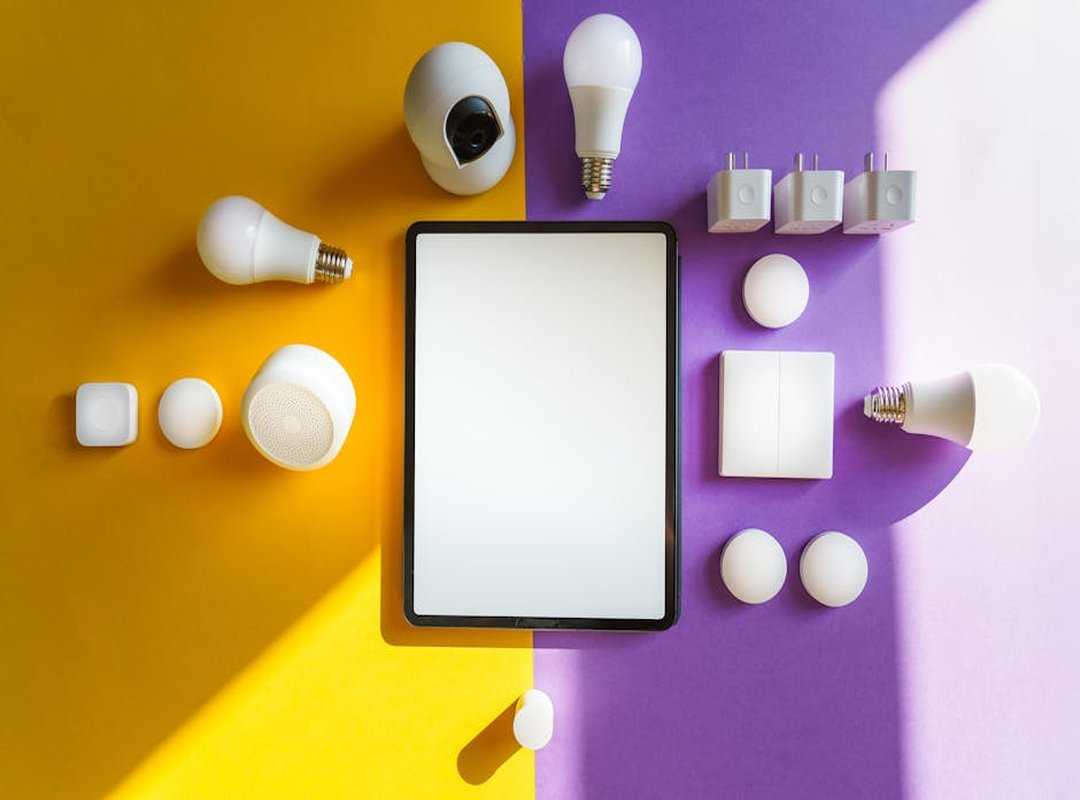
Why settle for the basics when you can have a home that anticipates your needs?
First off, what’s the deal with “Routines” or “Scenes”? It’s simple. Imagine a single command that triggers a series of actions across multiple devices.
It’s like having your own personal assistant. to a mini-tutorial. Picture this: creating a “Goodbye” routine in the Google Home app. You could have it turn off the lights, lock the doors, and lower the thermostat in one go.
Easy, right?
Now, for some creative ideas. The “I’m Home” routine is a favorite of mine. It welcomes you by turning on entryway lights, adjusting the thermostat, and playing your favorite music.
Then there’s the “Bedtime” routine. It locks the doors, turns off all lights except the bedside lamp, and sets a morning alarm. Handy for those who always forget the little things.
Got a work-from-home setup? Try the “Focus Mode” routine. It sets your office lights to cool white, plays ambient noise on your smart speaker, and silences phone notifications.
Perfect for those deep work sessions when you need zero distractions.
Think about how these routines can simplify your daily patterns. Alexa device integration can be key here. Consider how these setups might fit into your life.
Everyone’s got different habits, but the goal is the same: a smarter, more fast home.
When Smart Homes Get Dumb
Ever ask Alexa to do something simple, and she just stares at you in silence? Frustrating. Let’s tackle some common annoyances with smart homes.
Problem: “My voice assistant can’t find my new device.” Solution: Double-check if your device is on the same Wi-Fi as your assistant. Reboot both the device and router.
Problem: “A command that used to work suddenly stopped.” Solution: Check if the device’s account needs relinking. Password changes can mess up connections (surprising, right?).
Problem: “The response is slow.” Solution: It’s usually a Wi-Fi issue. A mesh Wi-Fi system might be what you need. Alexa device integration isn’t perfect, but with these tweaks, it’s manageable.
Connect and Command Your Smart Home Now
Frustrated by smart devices that act like strangers? I get it. That’s why Alexa device integration is your answer.
You’ve learned to check compatibility, link accounts, and build routines. So, what’s next? Pick a device.
Open your app. Create a routine. Your smarter home awaits.
Start now.
 Thalira Rothwynd writes the kind of smart interior innovations content that people actually send to each other. Not because it's flashy or controversial, but because it's the sort of thing where you read it and immediately think of three people who need to see it. Thalira has a talent for identifying the questions that a lot of people have but haven't quite figured out how to articulate yet — and then answering them properly.
They covers a lot of ground: Smart Interior Innovations, Connected Living Basics, Home Trends Update, and plenty of adjacent territory that doesn't always get treated with the same seriousness. The consistency across all of it is a certain kind of respect for the reader. Thalira doesn't assume people are stupid, and they doesn't assume they know everything either. They writes for someone who is genuinely trying to figure something out — because that's usually who's actually reading. That assumption shapes everything from how they structures an explanation to how much background they includes before getting to the point.
Beyond the practical stuff, there's something in Thalira's writing that reflects a real investment in the subject — not performed enthusiasm, but the kind of sustained interest that produces insight over time. They has been paying attention to smart interior innovations long enough that they notices things a more casual observer would miss. That depth shows up in the work in ways that are hard to fake.
Thalira Rothwynd writes the kind of smart interior innovations content that people actually send to each other. Not because it's flashy or controversial, but because it's the sort of thing where you read it and immediately think of three people who need to see it. Thalira has a talent for identifying the questions that a lot of people have but haven't quite figured out how to articulate yet — and then answering them properly.
They covers a lot of ground: Smart Interior Innovations, Connected Living Basics, Home Trends Update, and plenty of adjacent territory that doesn't always get treated with the same seriousness. The consistency across all of it is a certain kind of respect for the reader. Thalira doesn't assume people are stupid, and they doesn't assume they know everything either. They writes for someone who is genuinely trying to figure something out — because that's usually who's actually reading. That assumption shapes everything from how they structures an explanation to how much background they includes before getting to the point.
Beyond the practical stuff, there's something in Thalira's writing that reflects a real investment in the subject — not performed enthusiasm, but the kind of sustained interest that produces insight over time. They has been paying attention to smart interior innovations long enough that they notices things a more casual observer would miss. That depth shows up in the work in ways that are hard to fake.